Wide
Device coverage
Display, sound, network, board, printers, and attached devices in one pass.
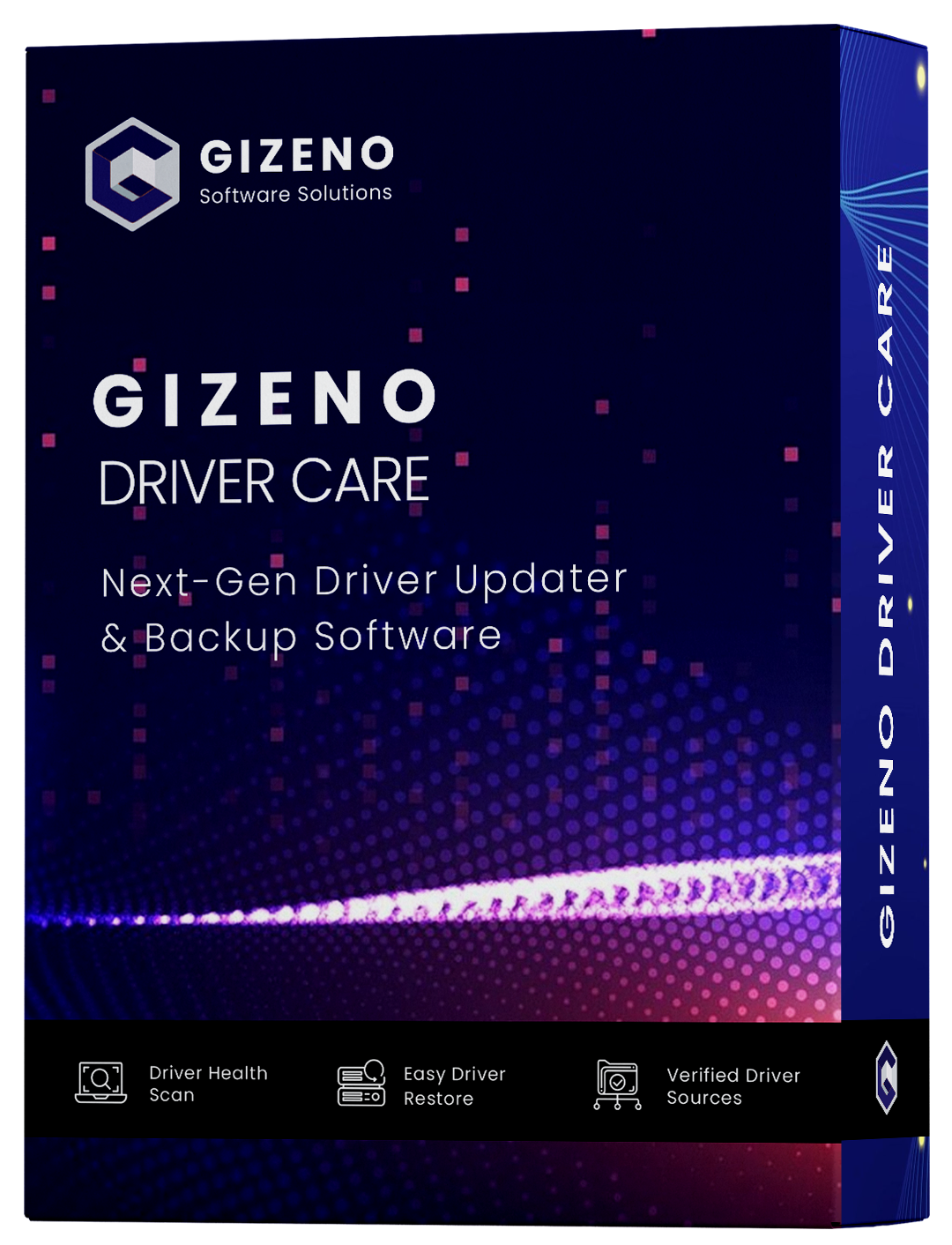
Gizeno Driver Care
Gizeno Driver Care looks at the Windows machine you already own, saves a copy of working packages, and helps you install the right replacements. Built by Gizeno Software Solutions LLC — simple setup, no extra junk.
Hardware check
Display · Sound · Network · Board
Known catalogs
NVIDIA · Intel · AMD · Realtek
Safety first
Snapshot before every change
Wide
Device coverage
Display, sound, network, board, printers, and attached devices in one pass.
Windows
11, 10, 8.1 & 7
Works on 32-bit and 64-bit PCs you already own.
Quick
On-device scan
Runs locally on this machine — usually finished in under a minute.
30-day
Refund window
A money-back promise if the license is not a fit.
Display, sound, network, board, printers, and attached devices — matched to parts already in the PC.
Gizeno Driver Care works with hardware from NVIDIA, Intel, AMD, Realtek, HP, Dell, Lenovo, ASUS, Logitech, Canon.
Gizeno names the parts in this machine, lines up the installed package with a catalog match, and leaves current drivers alone. Nothing is written until you say so.
6
Packages checked
4
Newer matches
NVIDIA GeForce RTX 4060
Display
Installed
545.84
Catalog
552.22
Intel Wi-Fi 6E AX211
Network
22.180→23.20
Realtek HD Audio
Audio
6.0.9522→6.0.9634
AMD Chipset
Board
5.09→5.11
Logitech HID
Peripherals
2.31
Intel Iris Xe
Display
31.0.101
Four items have a newer package. Two can stay. You choose what is applied.
Gizeno Driver Care is built to find, copy, and refresh Windows drivers without turning that into a weekend project.
Gizeno reads the devices on this PC and compares them with known vendor catalogs. You get a short list of what is behind — not a pile of fake warnings or extra offers.
NVIDIA GeForce RTX 4060
545.84 → 552.22
Intel Wi-Fi 6E AX211
22.180 → 23.20
Realtek HD Audio
6.0.9522 → 6.0.9634
AMD Chipset
5.09 → 5.11
Stores your current driver set and a restore point so you can undo a change if needed.
Put a previous driver back without hunting through folders or Device Manager.
Packages come from known vendor sources. The setup file stays free of extras.
Ask Gizeno to look again later so you do not have to remember the next check.
Display, sound, network, board, printers, and attached devices sit in a single view.
Start when you like
Check the PC at no cost. Unlock updates for a one-time $9.99, with a 30-day refund if it is not a fit.
Three short stages on your own PC. Nothing is written until you approve it, and a saved copy is there if you want to go back.
Gizeno reads the hardware on this PC and compares each driver with packages from known catalogs.
Compare what you have now with what is available. Gizeno waits for your go-ahead before writing anything.
Approve an update and Gizeno saves a copy first, then installs the selected packages. You can reverse a change later.
People rarely search for a “driver problem.” They notice a slow game, a restart, bad sound, or a dropped signal.
Gizeno starts at the source.
Aging display and board drivers often leave extra performance unused.
A single stale package can be enough to freeze or restart the system.
Sound that cuts out or pops is frequently an old audio driver.
Dropped connections and flaky Bluetooth often start with a network package.
Run a scan at no charge and see what is behind on this PC. A $9.99 lifetime license unlocks updates, copies, and undo.
Free
Lifetime license
Gizeno stores a copy first and waits for your approval. If a package is not a good fit, you can put the earlier one back.
Gizeno uses vendor-maintained sources rather than anonymous file dumps.
Your existing drivers and a restore point are stored first.
No toolbars, extra offers, or leftover background tools.
A short guide before you request the Gizeno Driver Care setup file.
Use the download page and leave your details. We email the official Gizeno Driver Care installer. The scan on your PC is free. You can buy a license later if you actually want to apply updates.
The setup file from gizenosoftware.com does not add toolbars or extra offers. Drivers come from known vendor catalogs. Before anything is replaced, Gizeno stores a copy of what already works plus a Windows restore point.
Put the previous one back. Gizeno keeps a saved copy so you do not have to hunt through Device Manager or vendor sites to undo a change. One click.
Windows 11, 10, 8.1, and 7 — 32-bit and 64-bit. If the machine still runs one of those, Gizeno Driver Care can look after its drivers.
The scan stays free. A lifetime license for updates, backups, and undo is $9.99 paid once, with a 30-day money-back promise. No subscription.
Display, sound, network, board, printers, and common attached devices appear in one list so you are not jumping between vendor sites for each part.
01 / 06
Use the download page and leave your details. We email the official Gizeno Driver Care installer. The scan on your PC is free. You can buy a license later if you actually want to apply updates.
Occasional updates about Gizeno Driver Care. Leave the list whenever you like.
Request the official Gizeno Driver Care setup from Gizeno Software Solutions LLC. Scan at no cost. Full license is $9.99, one time.